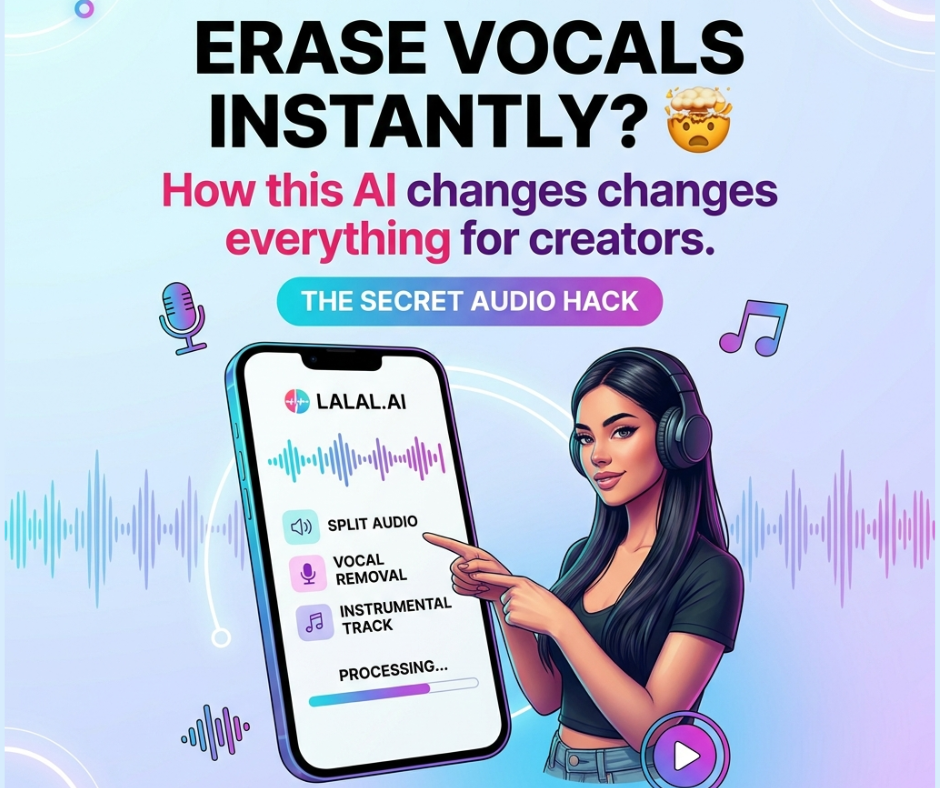
🎧 LALAL.AI Review 2026: Remove Vocals & Extract Audio Like a Pro (Beginner Guide)
LALAL.AI Review 2026
LALAL.AI
Table of Contents
Introduction
If you’ve ever wanted to remove vocals from a song or isolate instruments without complex software, LALAL.AI might be exactly what you need.
In 2026, AI tools have made audio editing faster and easier than ever. Whether you’re a beginner, content creator, or music lover, LALAL.AI helps you separate vocals, beats, and instruments in just a few clicks.
In this guide, you’ll learn everything step by step — what it is, how it works, and how to use it effectively (even if you’re just starting).

🎯 What is LALAL.AI?
LALAL.AI is an online AI-powered tool that separates different elements of audio and video files.
👉 In simple words:
It can split a song into:
- 🎤 Vocals
- 🎵 Instrumental
- 🥁 Drums
- 🎸 Guitar
- 🎹 Piano
All automatically — no editing skills needed.
💡 The tool uses advanced AI models to keep the sound quality high, which is why it’s popular among beginners and professionals.
🔥 Best LALAL.AI Tools (Features Explained)
Here are the main tools inside LALAL.AI and how you can use them:
🎤 Vocal Remover
📌 Description:
Separates the singer’s voice from the music.
⭐ Key Feature:
High-quality vocal extraction with minimal distortion.
👤 Best For:
- Singers (karaoke practice)
- Content creators (TikTok, Reels)
- YouTubers
🎸 Instrument Splitter
📌 Description:
Extracts specific instruments like drums, bass, or guitar.
⭐ Key Feature:
Can isolate multiple instruments from one track.
👤 Best For:
- Music producers
- DJs
- Beat makers
🔇 Noise Remover
📌 Description:
Cleans background noise from audio recordings.
⭐ Key Feature:
Improves voice clarity instantly.
👤 Best For:
- Podcasters
- Students recording voice notes
- Online teachers
🤖 Voice Cleaner / Enhancer
📌 Description:
Enhances voice quality and removes unwanted sounds.
⭐ Key Feature:
Makes audio sound more professional.
👤 Best For:
- YouTube creators
- Voice-over artists
- Freelancers
🛠️ How to Use LALAL.AI (Step-by-Step)
Using LALAL.AI is very simple. Just follow these steps:
✅ Step 1: Open the Website
Go to the official LALAL.AI website.
📤 Step 2: Upload Your File
Click on “Upload” and select:
- MP3
- WAV
- MP4 (video also works)
💡 Tip: Higher quality = better results
⚙️ Step 3: Choose What to Extract
Select what you want:
- Vocals
- Instrumental
- Specific instruments
⏳ Step 4: Let AI Process
Wait a few seconds while AI analyzes the file.
🎧 Step 5: Preview the Result
Listen before downloading.
💾 Step 6: Download
Download the final separated tracks.
📊 LALAL.AI Overview Table
| Feature | Description | Difficulty | Best For |
| Vocal Remover | Remove voice from songs | Easy | Beginners |
| Instrument Splitter | Extract instruments | Easy | Producers |
| Noise Remover | Clean background noise | Very Easy | Podcasters |
| Voice Enhancer | Improve voice quality | Easy | Content creators |
✅ Pros and Cons
👍 Pros
- ⚡ Very fast processing
- 🎯 High-quality results
- 🧠 Easy for beginners
- 🌐 Works online (no download needed)
- 🎵 Supports many formats
👎 Cons
- 💰 Full features require payment
- 📶 Needs internet connection
- 🎧 Quality depends on original file
❓ FAQ
1. Is LALAL.AI free?
Yes, but only previews are free. Full downloads require payment.
2. Can beginners use LALAL.AI easily?
Yes. The interface is simple and requires no experience.
3. What file formats are supported?
It supports common formats like MP3, WAV, and MP4.
🧠 Conclusion
LALAL.AI is one of the easiest AI tools you can use in 2026 to edit audio like a pro — even if you’re a complete beginner.
It saves time, improves quality, and opens many opportunities:
- Create content 🎬
- Make remixes 🎧
- Clean audio 🎙️
👉 If you want a simple and powerful audio tool, this is a great place to start.
Yi=ou can also read: Hostinger AI Website Builder Review 2026: Build a Website in Minutes (No Coding)